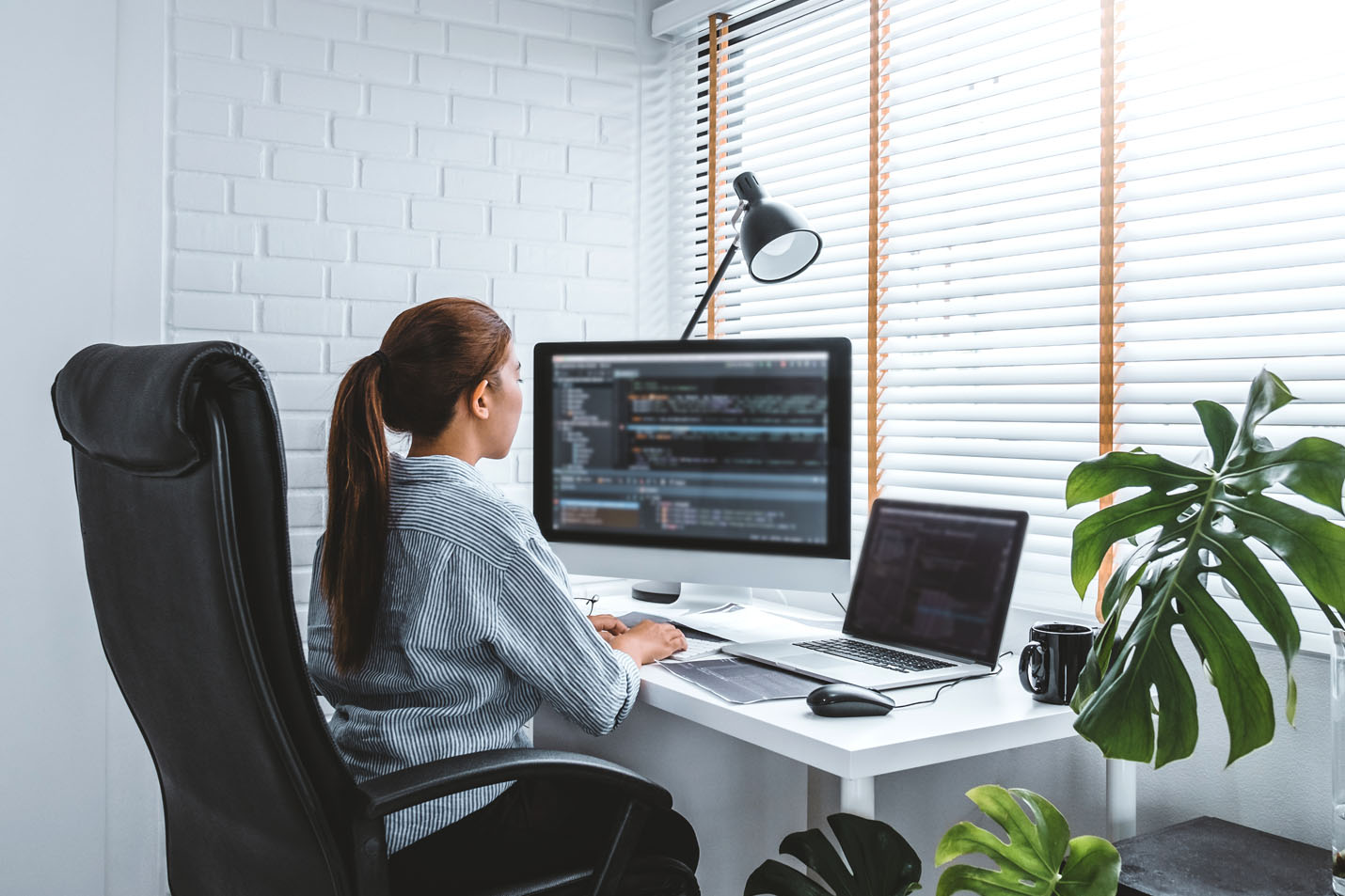
Working from home is no longer just a temporary trend — In addition to freelancers and home businesses, many office jobs are now either hybrid or fully remote and require an efficient at-home set up for optimized productivity, comfort and performance.
In 2026, a successful work-from-home setup is about more than just a laptop and desk. Fast, reliable internet, smart technology, and an optimized workspace are essential for staying connected and working efficiently.
Here’s how to create the ultimate work-from-home setup in 2026.
1. Start with Reliable Fiber Internet
Your internet connection is the foundation of your home office. Slow speeds, buffering during meetings, and dropped connections can quickly disrupt your workday.
With more households relying on multiple connected devices at once — from video conferencing and cloud applications to smart home technology and streaming — reliable fiber internet has become more important than ever.
Fiber internet delivers:
- Faster upload and download speeds
- Smoother video calls
- Lower latency
- Better performance for multiple devices
- More reliable connectivity during peak hours
For remote workers handling large files, virtual meetings, or cloud-based software, a strong fiber connection helps eliminate frustrating interruptions and keeps productivity high.
2. Upgrade Your WiFi Setup or Directly Connect to your Equipment
Even with fast internet, poor WiFi coverage can create dead zones and slow performance throughout your home.
In 2026, mesh WiFi systems and advanced routers are helping remote workers stay connected in every room. Positioning your router in a central location and minimizing interference from walls or electronics can also improve performance.
A strong WiFi setup helps ensure:
- Stable Zoom and Teams meetings
- Faster uploads
- Better video quality
- Reliable smart home connections
- Consistent speeds across devices
If your signal weakens in certain rooms, upgrading your equipment or expanding your network coverage can dramatically improve your experience.
For even greater speed and reliability, consider connecting your work devices directly to your router with an Ethernet cable. This may require setting up your desk or workspace closer to your networking equipment.
3. Create a Dedicated Workspace
A dedicated workspace helps improve focus and separate work life from home life.
You don’t need an elaborate office setup, but having a consistent area designed for productivity can help reduce distractions and improve comfort throughout the day.
Some essentials include:
- An ergonomic chair
- A spacious desk
- Proper lighting
- Cable management
- Noise reduction solutions
- Dual monitors for multitasking
If using wifi connection instead of ethernet connection, make sure your workspace is in an ideal location for receiving the strongest wifi signal possible. Avoid common signal blockers, don't locate your office in the basement surrounded by concrete, and make sure large appliances and thick walls aren't between your desk and the router.
A clean, organized workspace can help you stay productive and reduce fatigue during long workdays.
4. Invest in Video Call Quality
Virtual meetings are now a major part of everyday business communication. Clear video and audio help create a more professional experience for coworkers, clients, and customers.
Consider upgrading:
- Your webcam
- Microphone or headset
- Lighting setup
- Internet bandwidth for video conferencing
Even small improvements can make meetings feel smoother and more professional.
5. Use Cloud-Based Tools Efficiently
Modern remote work relies heavily on cloud platforms for collaboration, file sharing, and communication.
Applications like:
- Microsoft Teams
- Zoom
- Google Workspace
- Slack
- Salesforce
- Cloud storage platforms
All require stable, high-speed connectivity to perform properly.
A reliable fiber connection helps ensure these tools operate seamlessly without lag, delays, or syncing issues.
6. Secure Your Home Network
As more people work remotely, cybersecurity is becoming increasingly important.
Protect your devices and personal information by:
- Using strong passwords
- Enabling multi-factor authentication
- Keeping software updated
- Securing your WiFi network
- Using VPN access when required
A secure network helps protect both personal and business data from potential threats.
7. Prepare for the Future of Remote Work
Remote work technology continues to evolve rapidly. AI-powered tools, smart home integrations, virtual collaboration platforms, and larger file demands all require stronger internet performance than ever before.
Future-ready homes need connectivity that can handle:
- Multiple remote workers
- Smart devices
- 4K video conferencing
- Large cloud backups
- AI applications
- Streaming and gaming simultaneously
Fiber internet helps ensure your home is prepared for the growing demands of modern digital life.
The Bottom Line
The best work-from-home setup in 2026 starts with one key ingredient: reliable internet. From video calls and cloud collaboration to smart home devices and multitasking across multiple screens, fast fiber connectivity keeps everything running smoothly.
Combined with a comfortable workspace, strong WiFi coverage, and the right technology, the right setup can help you stay productive, connected, and ready for whatever the future of work brings.
Discover how Glo Fiber can help power your work-from-home experience with fast, reliable fiber internet built for modern households.