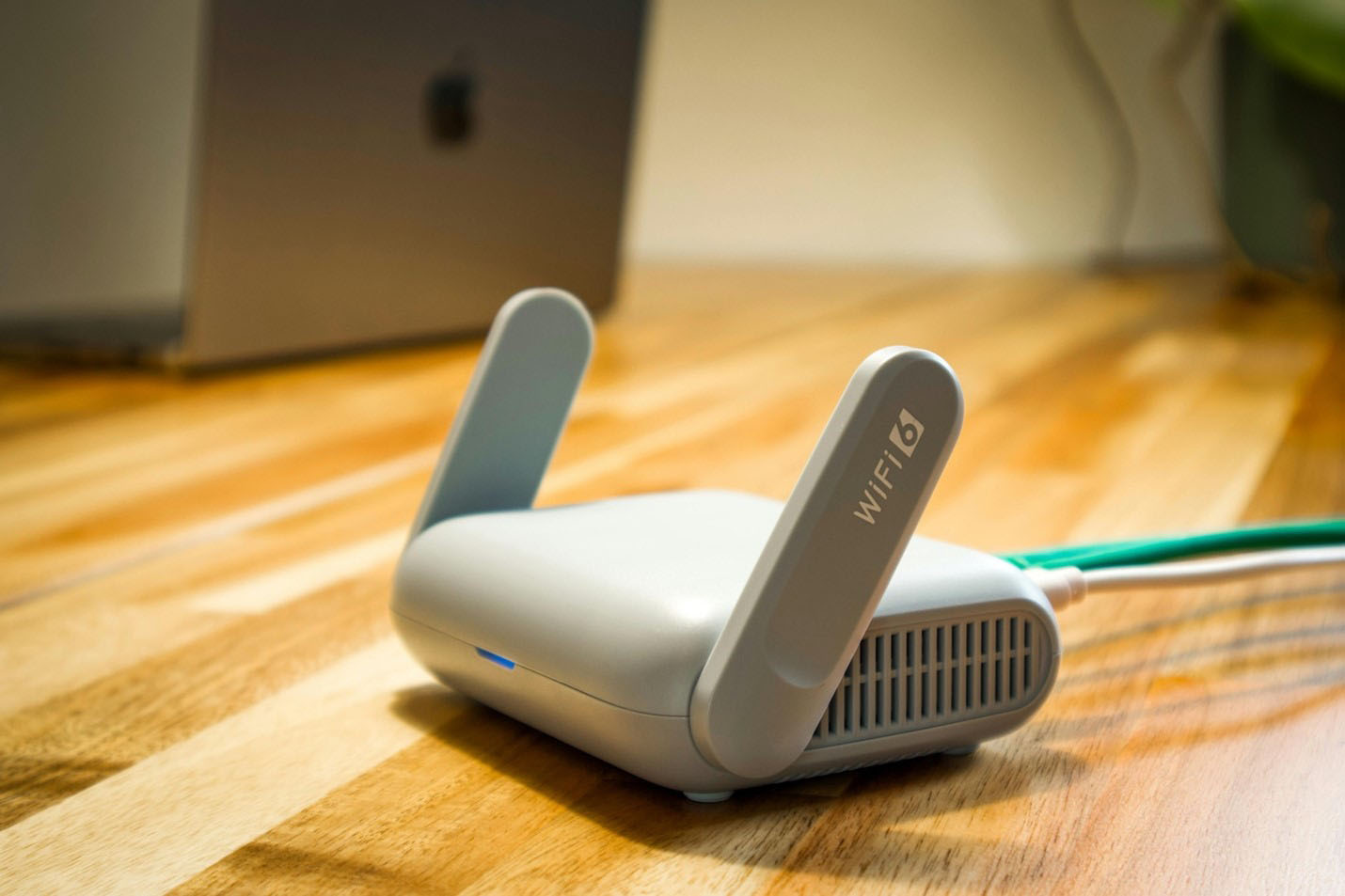
Modem vs. Router: Everything You Need to Know
There are few home-tech mysteries as oddly persistent as this one: You pay for internet, you connect to WiFi, and yet somehow there are two different devices on your shelf that look like they do the exact same thing.
Then a slowdown hits at the worst possible time – your video call freezes, your show buffers right before the big reveal, or your game starts rubber-banding – and suddenly you’re crouched behind the TV stand, staring at blinking lights like they’re going to spell out the answer.
If you’ve ever wondered about the difference between a modem and a router, you’re in the right place. The good news is this: Once you understand what each device is responsible for, troubleshooting gets easier, upgrades make more sense, and you’ll stop unplugging the wrong box out of sheer hope.
Let’s break down WiFi routers vs. modems, what each one does, whether you need both, and how that changes with fiber optic internet.
What’s the Difference Between a Modem and a Router?
At a high level, the difference between a modem and a router comes down to two separate jobs:
- A modem connects your home to the internet through your internet service provider (ISP).
- A router creates your home network so your devices can share that internet connection over WiFi and/or an Ethernet cable.
This is a helpful way to picture it:
- The modem is your connection to the outside world (the wide area network, or WAN).
- The router is your connection inside your home (your local area network, or LAN).
Why Router vs. Modem is Confusing
There are a few reasons that this topic feels more complicated than it should:
- Many providers hand you one box that does both. That’s why some people swear they only have a modem, but it’s also broadcasting WiFi.
- Fiber internet doesn’t always use a traditional modem. So you might have fiber and never see a classic cable/DSL modem at all.
- WiFi and internet get used interchangeably. But they’re not the same thing.
Here’s a quick summary that clears up a lot:
- Internet is the service your ISP delivers to your home.
- WiFi is the wireless connection your router creates so devices can access that service.
That’s why you can have strong WiFi bars and still have no internet. Or you can have internet service working fine and WiFi that struggles in certain rooms.
What is a Modem and What Does it Do?
A modem is the device that makes the connection between your home and your ISP.
In a nutshell, your ISP runs a huge network outside your home. When internet service reaches your address, your modem is the point where your home joins the network.
In practical terms, the modem:
- Establishes the connection between your home and your ISP
- Helps your home receive a public IP address (an address used on the public internet)
- Translates the incoming signal into a usable internet connection that your home network can use
Put even more simply, the modem is the device that connects your home to the internet. Without that connection point, your router could create WiFi all day long, but there would be nothing to connect to.
The type of internet service you have determines what kind of modem you need in your home. For instance:
- Traditional cable internet typically uses a coax line and a cable modem
- DSL internet uses phone lines and a DSL modem
- Fiber optic internet usually uses a different type of equipment (often an ONT), not a traditional modem
What is a Router and How Does it Work?
A router takes internet at your address and transmits it to your devices, like phones or PCs. Once the internet connection reaches your home, your router creates a home network: your LAN. That network lets:
- Multiple devices connect at the same time
- Devices communicate with each other (like casting from your phone to your TV)
- Your internet connection be shared intelligently across everything you’re doing
Routers also manage local IP addresses – these are essentially internal labels that keep traffic organized. Your laptop gets one local IP, your smart TV gets another, and your router knows exactly where to send data that each device requested.
So while your router creates your home’s WiFi network, it also acts like the behind-the-scenes traffic director for your entire home internet experience. And a bad router can lead to a bad connection.
WiFi and Ethernet: How Routers Connect Multiple Devices
Most routers connect devices in two ways:
- WiFi (wireless routers broadcast a signal that your devices join)
- Ethernet cable (a wired connection directly into the router)
If you’ve ever noticed the internet is fine on one device, like your phone, but another device, like the TV, buffers constantly, there’s a good chance WiFi coverage – or the device’s connection method – is the real culprit. For instance, your wireless connectivity might have interference from another network, or your Ethernet cable is torn up and needs to be replaced.
Modem vs. Router: How They Work Together
Now that you know what a router and modem are, let’s look at how they work together. The typical modem and router setup looks something like this:
- Your ISP delivers internet service to your home
- The modem connects your home to that service
- The router creates your home network
- Your devices connect to the router through WiFi/Ethernet and access the internet
What About Modem/Router Combos?
Sometimes you’ll have a single device that does both jobs of a modem and router. That device is typically called a gateway, and it combines the functions and features of both types of equipment into one piece of hardware.
Internet gateways come with a few big benefits, such as:
- They let people get online with one device instead of two
- They often have an easier setup
- They lead to less clutter in your home
That said, internet gateways can also come with downsides, depending on the model and your ISP. For instance:
- WiFi coverage can be limited depending on the unit and your home
- Features and settings may be restricted
- If you want better WiFi, you may have to replace the whole device
Not sure whether you have a modem, router, or gateway? Here’s how you can tell:
· If the box has your WiFi name and password printed on a sticker, it’s definitely handling router duties.
· If it’s also connected to a modem jack or outlet, it’s acting as a modem as well.
· If that box is handling both duties instead of one or the other, it’s probably an internet gateway.
Do You Need a Modem and a Router?
The answer to this question depends on your internet type. With cable or DSL internet, you typically need:
- A modem to connect to the ISP
- A router to create a home network and connect multiple devices
You might have them as two separate devices or one gateway device that combines both functions. In any case, the modem and router functions still need to occur.
But if you have fiber internet, you may not need a traditional modem at all. That’s because fiber optic internet replaces the traditional modem piece with an ONT (Optical Network Terminal), which:
- Connects the local fiber network line to your home
- Converts the fiber signal into an Ethernet connection
- Hands that connection off to a router or gateway to create your home network
So, does fiber eliminate the need for both a modem and a router? Not exactly. You may not need a traditional modem, but you still need routing to send your internet signals to devices in your home. Sometimes routing is built into a single gateway; sometimes it’s handled by a separate router.
What Equipment Do You Need for Fiber Optic Internet?
Fiber internet is built for modern households: multiple streams, constant uploads, video calls, gaming, and smart devices, often all happening at once!
And fiber’s performance perks go beyond raw speed. Many fiber plans offer symmetrical speeds – meaning your upload speeds and download speeds match – which can make a noticeable difference for video calls, uploading files, gaming, and cloud backups.
Because of this, fiber internet equipment commonly includes:
- A connection from the fiber line to your home (often through an ONT or similar device)
- An Ethernet handoff for your home network
- Fast-transmitting cable lines that keep your connection stable and service-ready
From there, your day-to-day experience largely depends on your home network setup, especially in terms of WiFi coverage. Even with high-speed service, weak WiFi in certain rooms can make things feel slower than they should. If that’s the case, the issue might not be with your router, modem, or gateway at all; it could be due to your internet service provider.
Upgrade Your Home Internet with Glo Fiber
If your household is juggling streaming, gaming, work calls, and a growing list of connected devices, your internet provider needs to be more than good enough. It needs to be consistent. And if your modem or router (or both) appear to be fine, a new ISP could be the best way to get great internet for your entire family.
Glo Fiber delivers fast fiber internet with symmetrical speeds designed for the way homes use the internet today. Ready to see what’s available at your address? Explore Glo Fiber internet plans and check availability in your area.