How Can You Protect Your Privacy on the Internet
These days, most of us spend a lot of time on the internet. Shopping, socializing, gaming, working – it’s safe to say our lives are online nearly as much as they are offline!as much as they are offline!
But all that activity means we also put lots of sensitive information on the web, from credit card numbers to home addresses. Keeping that info safe – and maintaining your internet privacy – is a key concern, especially if you want to avoid issues like identity theft.
Today, let’s go over some smart ways to protect your privacy online.
The Importance of Internet Privacy
Internet privacy is more important than ever. Identity theft, financial theft, and phishing scams are just a few of the hazards to watch out for – and in some cases, not keeping your online privacy in mind can be a recipe for disaster.
Imagine buying something online, for example. If you made the purchase on an unsecured site, your financial information could be stolen and used to buy things you never agreed to (or worse). To solve the problem, you’d need to cancel your current card, contact your bank, and so on.
That sounds like a huge headache! And it’s an incredibly common problem. 2024 had the second-highest number of data compromises in the U.S. in a single year, and there were over 400,000 reports of credit card fraud in the same year!
More generally, most people don’t want their personal information to be made public for no reason. Your phone number, address, and birthday – all of these things are unique to your life, and it’s reasonable not to want others to know them without your permission.
The bottom line? Internet privacy is critical for your financial security and your personal peace of mind.
How to Protect Yourself on the Internet
On the bright side, good digital hygiene isn’t complicated – it just requires awareness and consistency. Below are a few practical, actionable tips to help you enhance your privacy and security on the internet.
Choose Fiber Internet
You might not immediately think of your internet connection as a factor in your privacy, but it’s a foundational one. Fiber internet provides faster, more stable connections with better infrastructure for encrypted data transmission. Compared to older networks, fiber is more secure because it’s less susceptible to signal interference and certain types of cyberattacks that can exploit network vulnerabilities.
Choosing a reputable fiber internet provider can also give you access to enhanced security features like real-time threat detection, parental controls, and network-level firewalls. These features can help to form a first line of defense for every device in your home.
Make Strong Passwords
Your passwords are the keys to your digital life. Using "123456" or "password" is like locking your front door with a twist tie; you might as well not have a key in the first place. Therefore, strong passwords should be long, complex, and unique for every account.
Aim for at least 12 characters with a mix of uppercase and lowercase letters, numbers, and symbols. Consider using a randomized, unguessable passphrase like “H0rseBattery$Tap3!” instead of a single word. Better yet, use a trusted password manager to generate and store unique passwords for all your accounts securely.
Use Two-Factor Authentication
That said, even strong passwords can sometimes be compromised. Two-factor authentication (2FA) adds an extra layer of protection. After entering your password, you’ll be asked for a second form of verification (usually a code sent to your phone or generated by an app).
This means even if someone gets your password, they still can’t access your account without your second device. Many financial services, like banks or investment websites, now offer 2FA, and enabling it wherever possible is one of the simplest, most effective steps you can take to improve your internet privacy.
Avoid Untrustworthy Sites
If a website looks suspicious, trust your gut and steer clear. Shady websites are often launchpads for malware, phishing attacks, and data theft. Some clues to watch for include misspelled URLs, poor design, pop-up overload, or missing HTTPS encryption – you can tell whether a site is encrypted by looking for a padlock symbol beside the address bar.
Always double-check URLs when clicking on links, especially in emails or messages. Stick to well-known, reputable sites, particularly when entering sensitive information like credit card numbers or personal details.
Update All Your Software
Outdated software is one of the most common entry points for hackers. Developers regularly release updates to implement new features and fix security holes. If you’re running an old version of your operating system, browser, or apps, you’re more vulnerable to new malware than you might think.
With that in mind, enable automatic updates wherever possible to reinforce your privacy and security on the internet. This goes for all your devices – not just computers but also smartphones, routers, and even smart home gadgets.
Consider Using a VPN
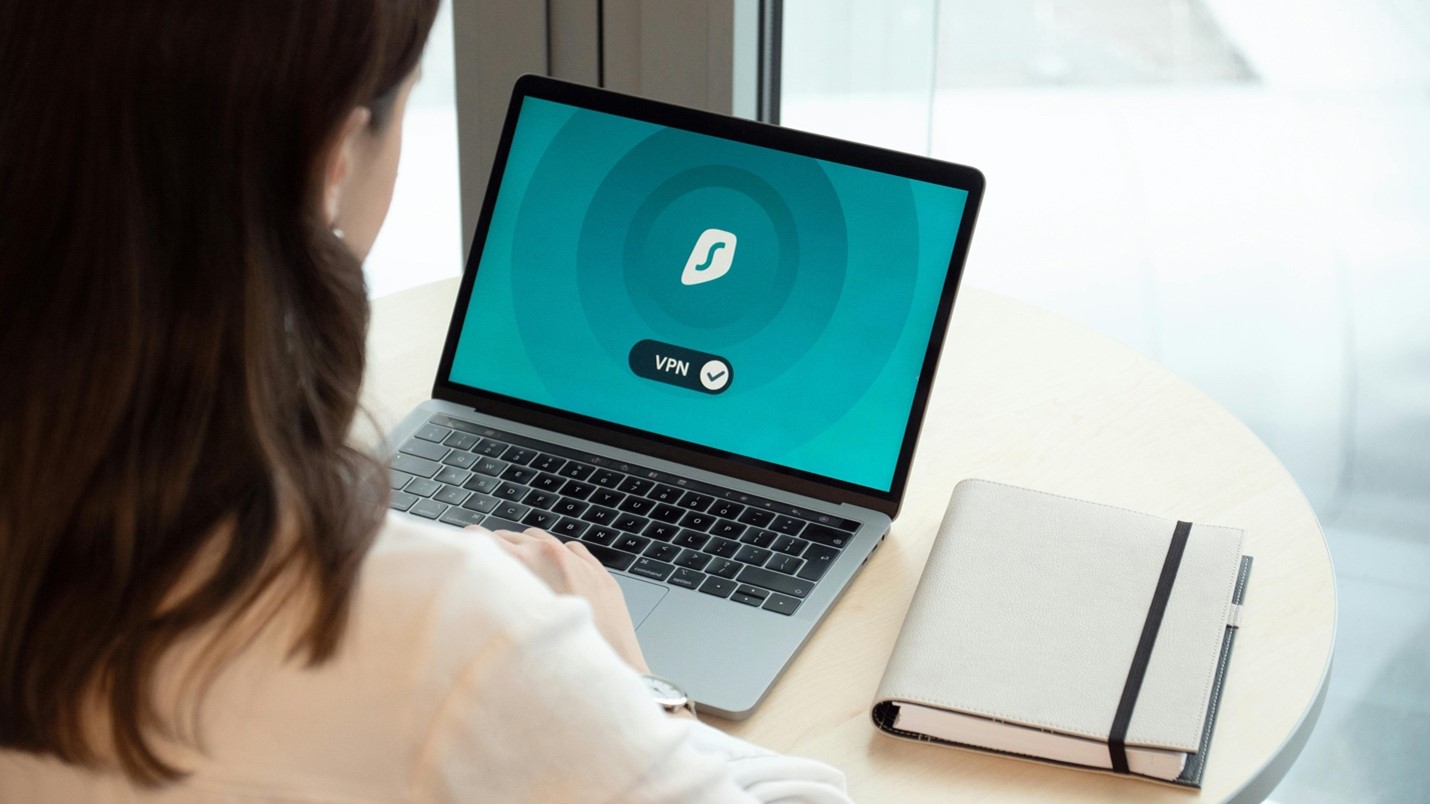
A virtual private network (VPN) encrypts your internet connection and hides your IP address, making it much harder for third parties like advertisers, hackers, or even your ISP – to track your online activity.
While a VPN won't make you completely anonymous, it's a powerful tool for improving your internet security, especially when browsing on public networks or trying to avoid location tracking. Choose a VPN provider with a solid reputation, strong encryption standards, and a no-log policy, and think about using it whenever you’re not sure about a site’s security or when you’re browsing sensitive work files.
Don’t Use Public WiFi for Certain Activities
Public WiFi might be convenient, but it’s also a hotspot for snooping by cybercriminals. Don’t check your bank account, log into sensitive accounts, or enter personal details when you’re connected to a coffee shop or airport WiFi.
If you absolutely must use public WiFi, always connect through a VPN and avoid accessing anything that contains private or financial information. Generally, though, waiting a little longer for a secure connection is better than risking your sensitive information.
Watch Out for Risky Emails
Phishing scams are one of the oldest tricks in the cybercriminal book, and they’re still wildly effective. These emails mimic trusted contacts or organizations and try to lure recipients into clicking a malicious link or giving up their login details.
You can avoid falling prey to phishing scams with a few common-sense steps. Always verify the sender's address and look out for generic greetings (“Dear Customer”), urgent language (“Your account will be suspended”), or attachments you weren’t expecting. When in doubt, don’t click.
Want Safe Internet? Switch to Glo
If you're serious about securing your digital life, your choice of internet provider matters more than you think. Glo’s fiber internet is more than fast. It’s built with security in mind. With features like advanced network encryption and parental controls, Glo allows you to enjoy the web with confidence – plus enjoy lightning-fast downloads and uploads with premium reliability.
Ready to switch? Check out our internet plans today!